
Today I started upgrading my hosts to 5.1 from 5.0. I have yet to find a quick guide on upgrading. First, I can’t drive out to my datacenter and spend a day there to upgrade the hosts, so I need to do it remotely. Also I don’t really know the esxi terminal really well, so this solution will use the update manager plugin. I have a smaller vmware environment, about 15 hosts so this worked for me.
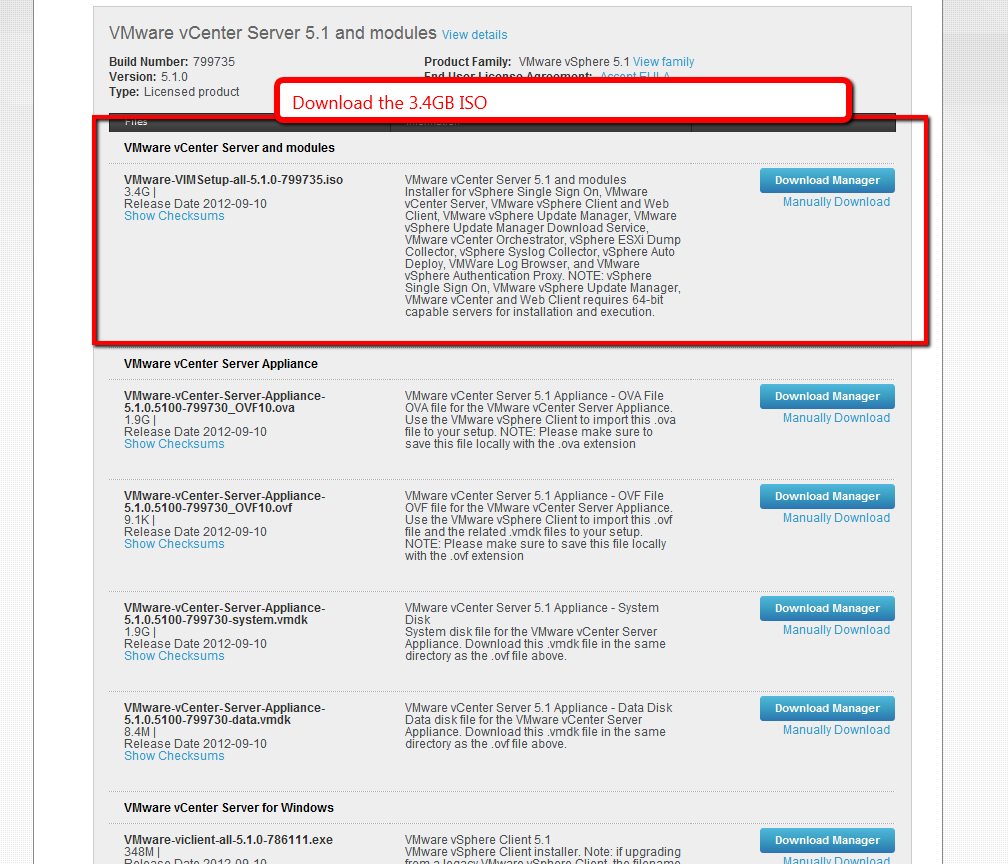
First download VMware-VIMSetup-all-5.1.0-799735.iso. The 3.4GB iso. Move it to your machine or vm that runs vCenter Server and mount it.
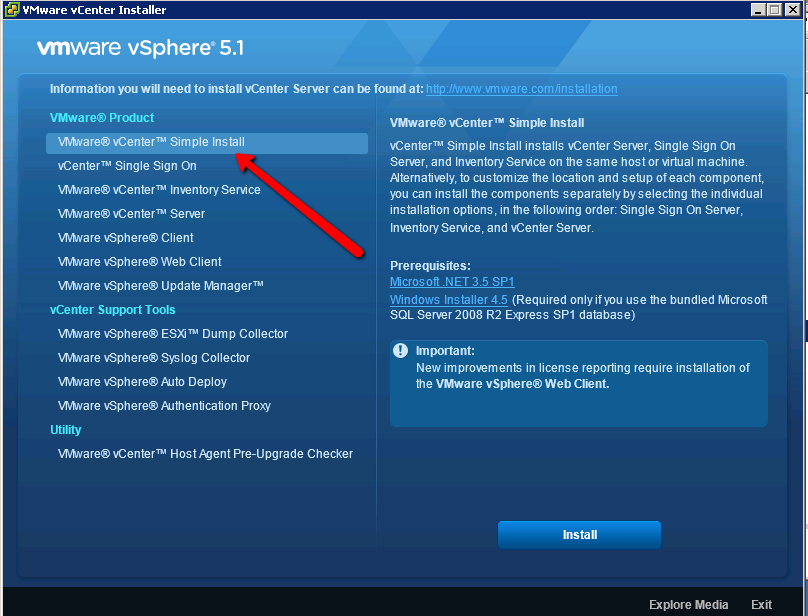
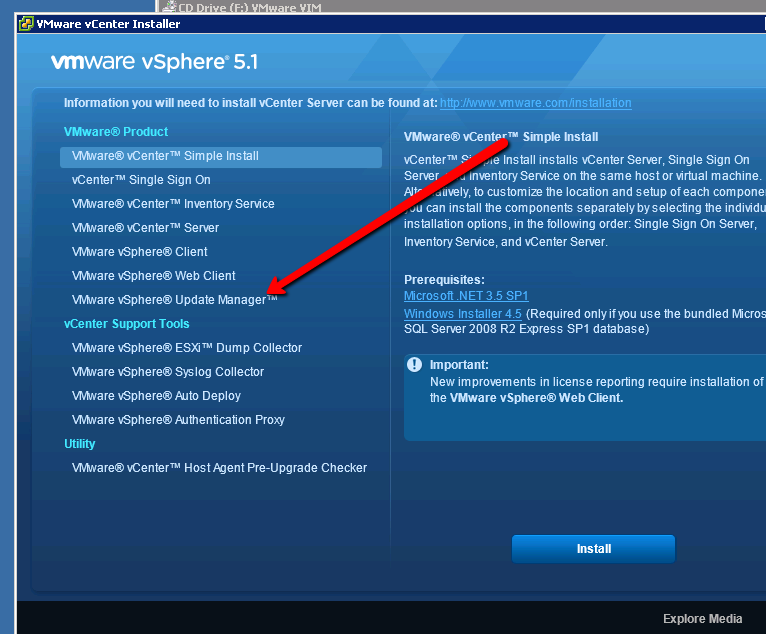
Run the simple installer. It will throw a bunch of warnings, it scared me, but I accepted the defaults and clicked through. The installer will prompt for a new password. I’m not entirely sure what this is used for. The installer will take about 20-40 minutes depending on if its installing SQL. Then you want to install the update manager
Now you are finally ready to import the 5.1 image.
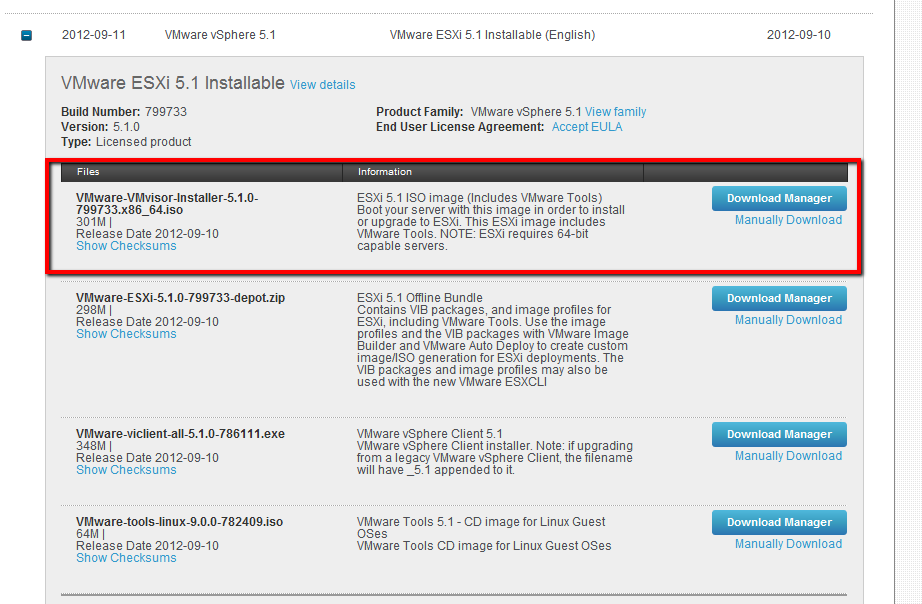
If you haven’t downloaded it – VMware-VMvisor-Installer-5.1.0-799733.x86_64.iso.
You want to upload the iso to the update manager like this…
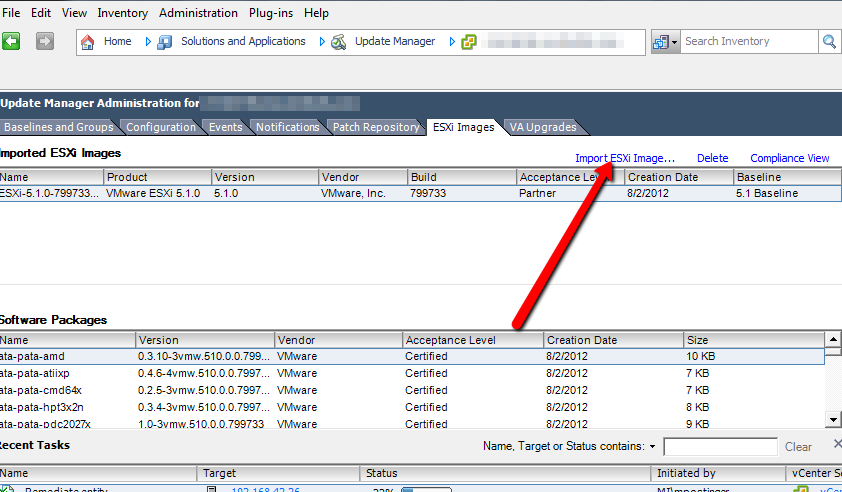
Then you can attach and remediate as normal, your host will be upgraded to 5.1
vSphere ESXI 5.0 to 5.1 Upgrade
Leave a reply