I ordered this camera since I really wanted to see what the cat is up to while Emily and I are at work.
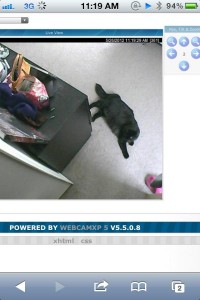
As expected, it seems like he just sleeps.
$110 on Amazon got me wifi, pan/tilt and IR night vision.
The unit shipped with an install disc(tossed) AC Adaptor, ethernet cord, power cord and mounting bracket. The unit has ethernet, wifi, power and audio in/out jacks(3.5mm.)
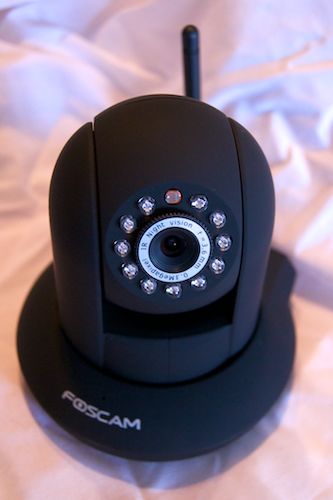
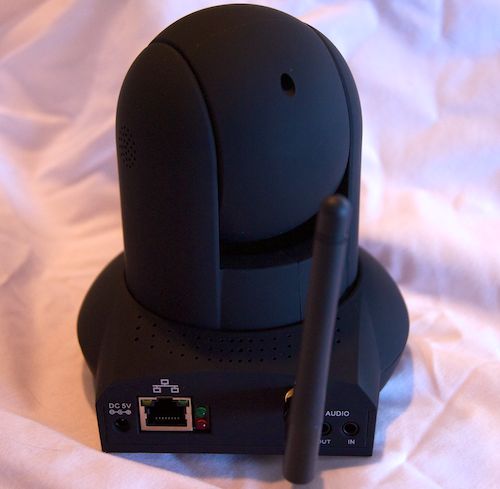
Install was quick and easy. Plug the ethernet into my router and once I found the IP I was on the admin page. No disc required. Connecting to my wifi was a little funny, at first it didn’t find my network. I think it may have been something to do with all the wireless access points near me. It eventually did after refreshing one more time and I was connected without wires.
The web interface is pretty simplistic. Admin options, set a password, FTP upload etc. It serves its purpose and is fine.
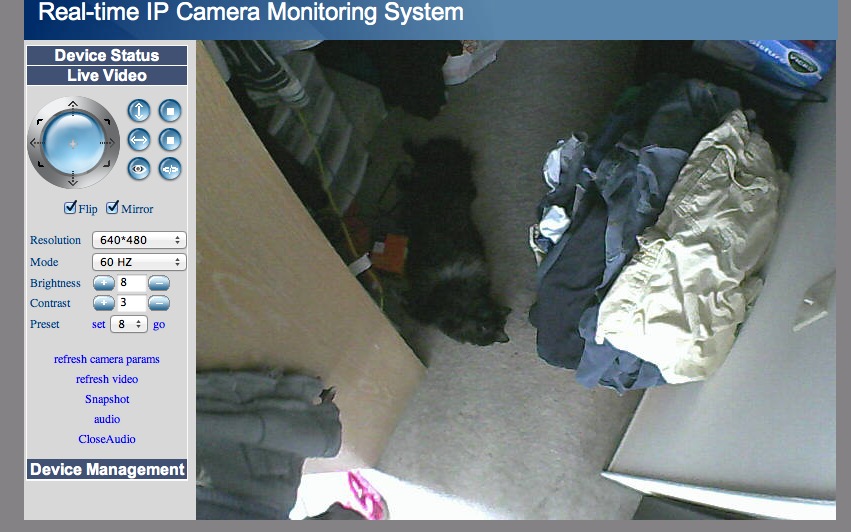
The picture quality is great. Its way better than my 8 year old Logitech webcam. Surprisingly the inferred works great too. It turns on automatically. The pan and tilt moves somewhat jerkingly but functions just fine. To make up for that it’s super quiet. I can’t even hear it when it moves. The image quality…pretty darn good!
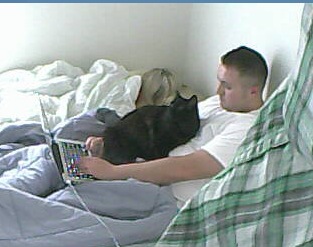 Mr. Derp helping me write this.
The audio doesn’t work on my mac. They say install the VLC plug-in. Wrong, search some more, people are reporting the VLC plug-in does not work. I found this to be the case. I can get the audio to stream over VLC itself, but not two-way as advertised. I guess on Tuesday I’ll try the two way audio from work on my PC.
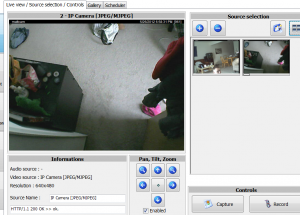
The cam works great with pretty well with webcamXP. Put in the IP and your credentials and the devices is added to your camera pool. The only issue I have found is you cannot inverse the pan/tilt controls which would come in handy as my camera is mounted upside down.
Now of course to get this viewable from the web you will need to setup the correct port mappings to your device.
Overall I’m happy with this device. I kind of wish it had a zoom but for the price It’s super neat! I hope the Mr. Derp doesn’t mind me checking up on him!